

Excel vs. Accounting Software in 2026 (and how AI makes both better)
Why this question still matters in 2026
Bookkeepers keep asking “Should we run this client in Excel/Google Sheets or in accounting software?” because both can work — but they break in different ways.
Intuit’s 2026 update frames the core tradeoff well: spreadsheets give flexibility, but accounting software is purpose-built for controls, automation, and reporting.
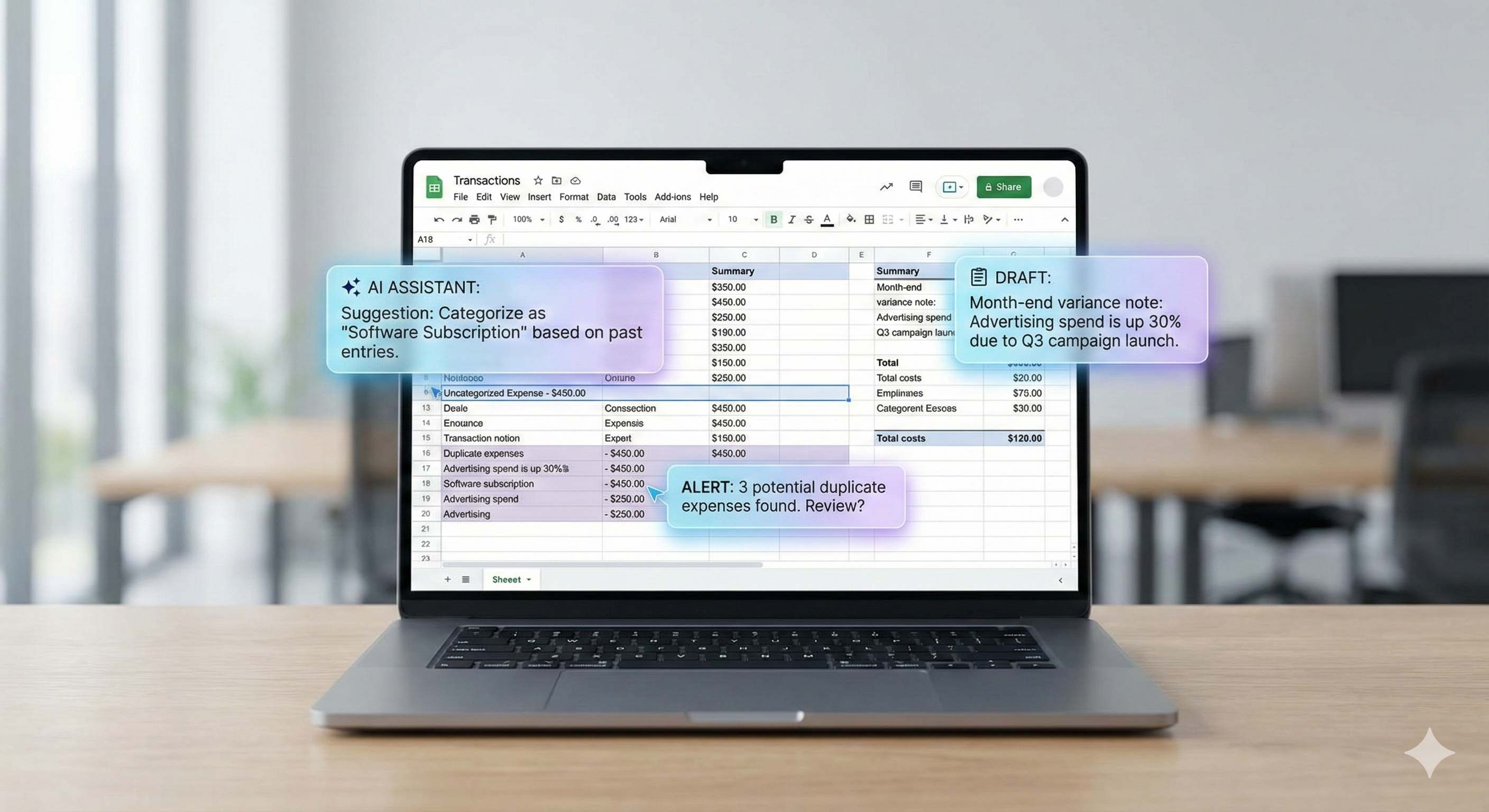
In 2026, the new twist is AI: ChatGPT and Gemini can remove a ton of grunt work (cleaning exports, summarizing exceptions, drafting variance notes), but they don’t replace accounting controls. Used correctly, AI makes a hybrid workflow faster and more consistent.
The short version
Use accounting software as the system of record for transactions, audit trail, bank feeds, and financial statements.
Use Excel/Sheets for analysis, cleanup, tie-outs, exception reviews, and close packages.
Use ChatGPT/Gemini to:
summarize exception lists
suggest categorizations (as a draft)
draft month-end notes and client questions
generate checklists and SOPs
accelerate spreadsheet analysis (especially in Sheets with Gemini features)
Excel/Sheets is still great for bookkeepers when…
1) You’re doing cleanup, not running the whole ledger
Spreadsheets are excellent for:
normalizing messy exports (bank CSVs, Shopify payouts, Stripe exports)
building exception lists (unreconciled items, uncategorized transactions)
quick pivot analysis (spend by vendor, month-over-month swings)
creating workpapers and tie-outs
2) You need fast, flexible analysis
Excel and Sheets remain unbeatable for “answer this question fast” work:
“Which vendors jumped 30% vs last month?”
“Which expenses look duplicated?”
“What are the top 20 payees by spend?”
In 2026, Gemini in Google Sheets can help you ask questions about your data and generate insights/charts directly inside the sheet.
Accounting software wins when…
1) Audit trail and controls matter
Spreadsheets can be edited silently, formulas can break, and versioning can get messy. Accounting software is designed to preserve a reliable record with consistent rules and reporting.
2) Bank feeds, matching, and automation save real time
Bank feeds, transaction matching, recurring rules, and integrated reporting are why accounting systems exist. If a client has any complexity (volume, payroll, inventory, multiple users), software almost always pays for itself.
3) You’re producing financial statements
If you want clean P&Ls, balance sheets, and consistent reporting periods without duct-taping spreadsheets, keep the ledger in software.
The best approach for most bookkeepers: the hybrid workflow
Here’s what works in practice:
Keep accounting software as the source of truth
Export to Excel/Sheets for review
Use AI to summarize and draft recommendations
Post adjustments back into accounting software (with human review)
Produce a close package and client notes
This keeps controls where they belong, and uses spreadsheets (and AI) where they shine.
How to use ChatGPT and Gemini to speed up bookkeeping (without doing anything reckless)
Use case A: Exception review (fastest ROI)
Workflow:
Export “uncategorized / unreconciled / review” transactions
Paste (or upload) the limited slice into ChatGPT/Gemini
Ask for:
grouping by likely cause
a question list for the client
suggested categories (as a draft)
Gemini is explicitly positioned to help analyze spreadsheet data in Sheets (summaries, insights, chart creation, and Q&A on the dataset).
Use case B: Variance notes that don’t sound robotic
Instead of writing “Advertising increased due to higher spend” every month, have AI draft variance commentary from your pivot results:
“What changed?”
“Why it likely changed?”
“What we need to confirm with the client?”
Use case C: Client follow-up messages (polite, short, consistent)
AI is perfect for drafting:
missing receipt requests
“what is this charge?” email templates
monthly close summaries
Use case D: Turn exports into SOPs + checklists
Once you have a good process for one client type (ecomm, agency, medical, etc.), ask AI to produce:
a checklist
common pitfalls
a standardized close package structure
8 copy/paste prompts you can use today
“Summarize these unreconciled transactions and group them by likely cause.”
“Given this export of expenses, suggest categories and flag items that need a receipt.”
“Write a month-end variance note explaining why expenses changed vs last month.”
“Spot duplicates or outliers in this list and explain how you found them.”
“Create a checklist of tie-outs for this client based on their accounts.”
“Draft an email to the client requesting missing info (polite, concise).”
“Normalize this bank CSV: standardize dates, amounts, and payee names.”
“Propose journal entries to fix these issues (recommend only — do not post).”
AI privacy and client data: keep it simple and safe
If you work with client financial data, you need a consistent rule set:
Prefer sharing de-identified slices (exception lists) instead of full ledgers.
Avoid pasting bank account numbers, tax IDs, and payroll PII into chat.
Keep “human in the loop”: AI suggests, bookkeeper approves and posts.
If you use business-tier tools, check their data controls:
OpenAI states it does not train on business data by default for business offerings (unless you explicitly opt in).
Google’s Workspace guidance says chats and uploaded files in Gemini won’t be used to train models without permission (under Workspace terms).
(Always confirm this for your specific plan and your client contracts.)
FAQ
Can Excel replace accounting software in 2026?
For very small, simple situations, maybe. But once you need bank feeds, controls, multi-user collaboration, consistent reporting, and an audit trail, software is the safer core system.
Will AI replace bookkeepers?
No. AI helps with speed (summaries, drafts, spotting anomalies), but the job is still judgment, controls, and client management. Treat AI like a powerful assistant, not the decision-maker.